
Global Growth Settings
Want to apply certain growth settings to all of your posts by default? Postwise has you covered!
Simply head to your Global Growth Settings by clicking here
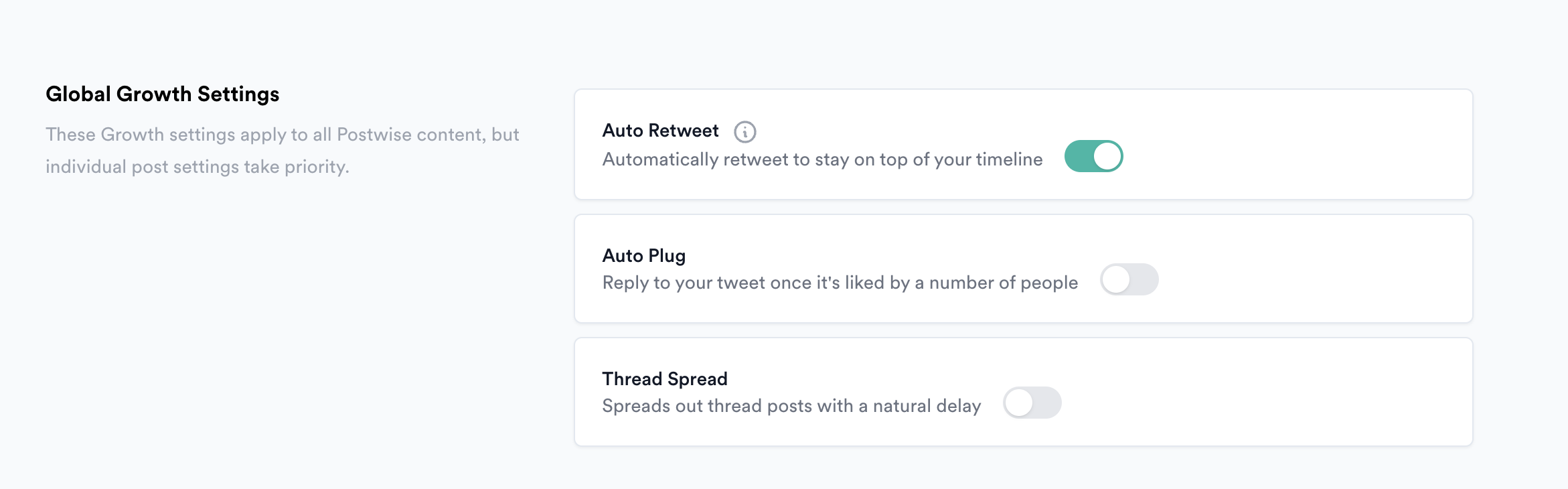
Once on the page, toggle any settings that you'd like applied to all of your posts by default
Postwise will handle the rest!
Note: When you manually set a growth setting from the Writer for an individual post, this will take priority over the Global Setting - this ensures you have full control over everything!
